Guide: Basic Features
Everything available for free after registration
After registration you get access to basic sections without a subscription: a dashboard with market overview, an exchange list with volumes and market share, and fiat currency rates with a converter. Below is a short description of each section and how to use it.
Dashboard
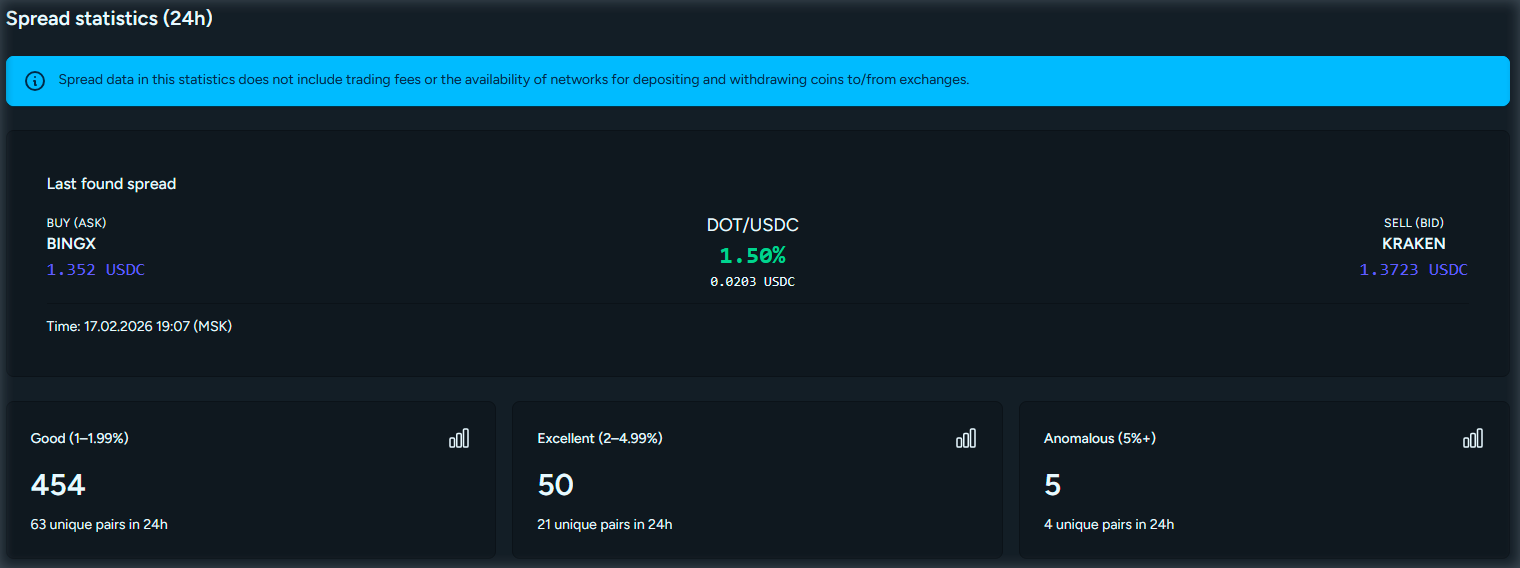
The dashboard is the main page after login. It brings together widgets with key metrics:
- Statistics - number of trading pairs, coins, active exchanges, and P2P exchanges.
- Quick links - jump to tickers, P2P, coins, and fiat rates (some sections may require a subscription).
- Top spreads - pairs with the largest price gaps between exchanges.
- Top exchanges by volume - ranking by 24h trading volume.
- Top coins - by trading volume.
- P2P stats and fiat rates - a short summary for a quick market view.
The dashboard is a good starting point to decide where to go for deeper analysis.
Exchange list
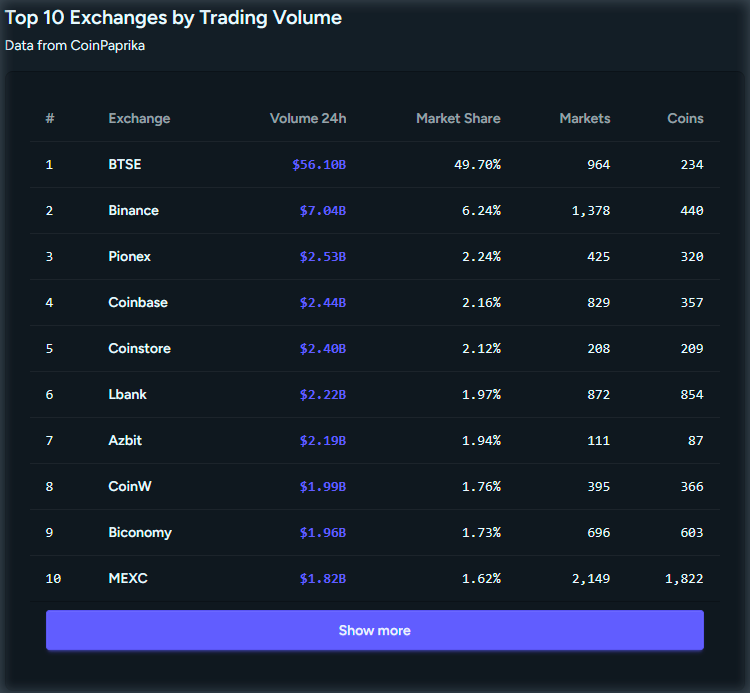
The Exchanges section lists crypto exchanges with data from CoinPaprika: 24h trading volume, market share, number of markets and coins. You can search by exchange name or ID.
This helps compare platforms by liquidity and size and choose where to trade or check volumes.
Fiat currency rates
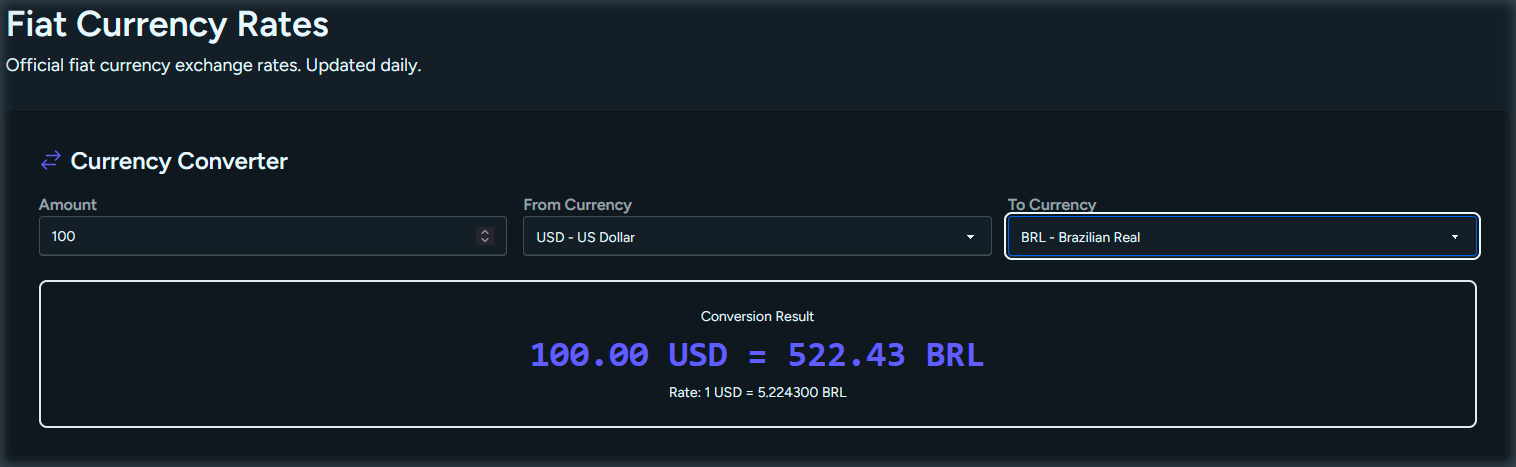
The rates page shows current fiat currency rates (ruble, dollar, euro, etc.) and a converter to convert an amount from one currency to another at the current rate.
Useful for pricing in your local currency, planning P2P trades, and quick estimates when exchanging.
Extended features
Basic features are enough to evaluate the platform. For aggregated tickers, order books, network fees, and P2P offers, subscribe via the pricing page.
View pricing